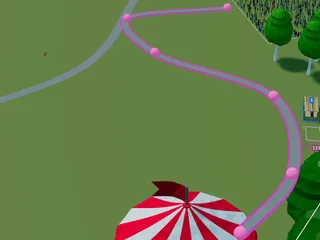
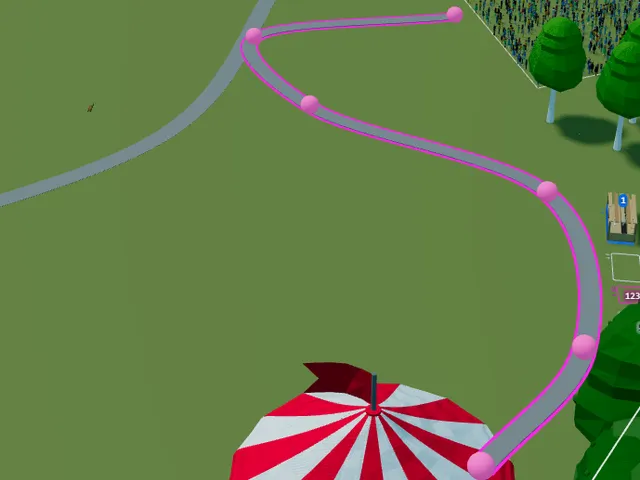
Paths allow you to indicate the main thoroughfares through your event - whether it's wide tarmac boulevards or small dirt trails, you can indicate you your visitors the routes through your event.
Draw Path
You can draw a path by choosing the Path tool and then drawing the points on the path where you want the path to go. The path will automatically curve between points.
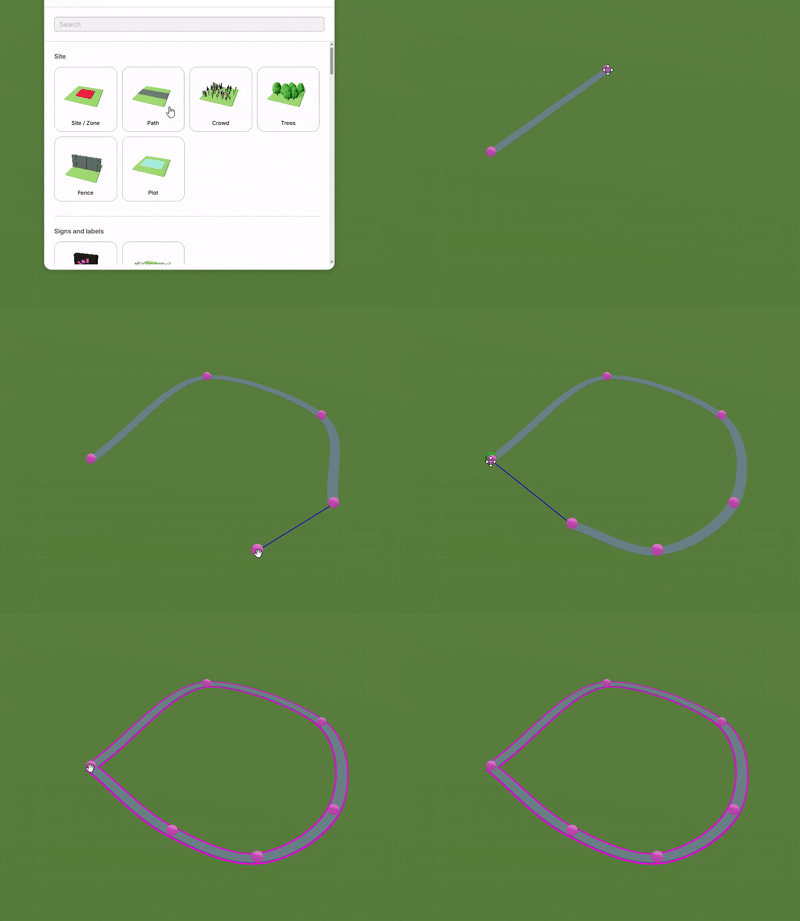
You can add points to the path later by clicking on the path between two points.
Adjust Width
You can adjust the path width to indicate main thoroughfares and smaller side paths.
Set Colour
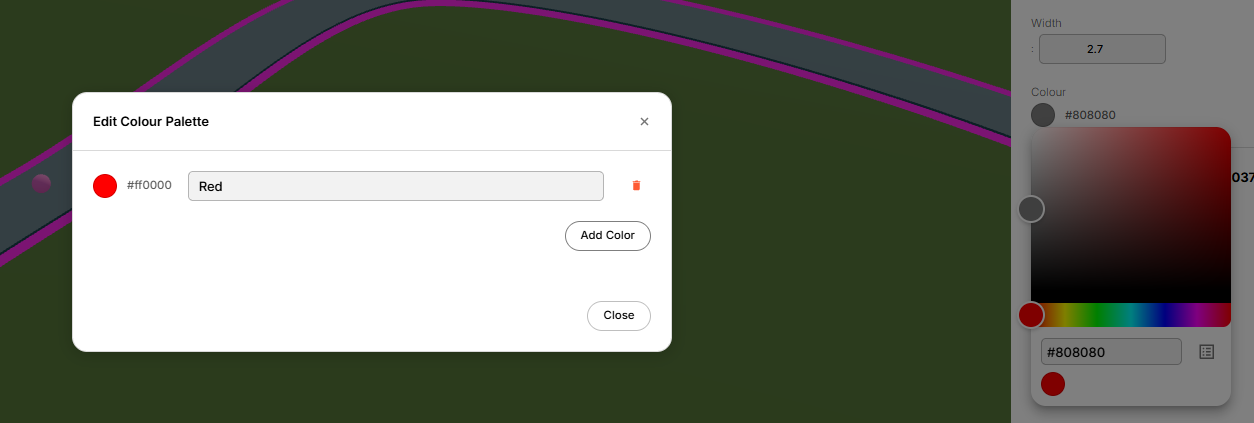
You can adjust the colour of your paths to indicate things like different surfaces or different purposes (e.g. event-traffic only). Click on the colour tool to choose the colour you would like.
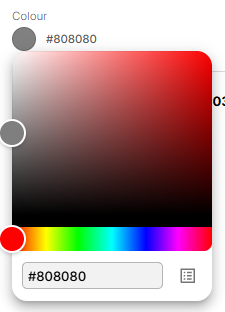
You can click on the menu button in the bottom right to add a colour to your colour palette so it's shown in the swatches so you can keep using it.