
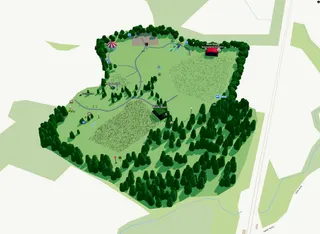
Help , Quick start guide , Planning map
Planning Map Quick Start
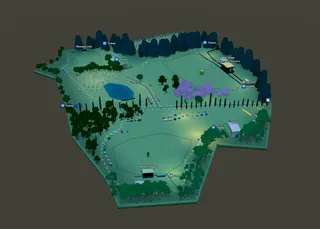
Lay out your site, place vendors and stages, and build paths and landscaping — your public map grows as you plan.
Help , Quick start guide , Planning map
Lay out your site, place vendors and stages, and build paths and landscaping — your public map grows as you plan.
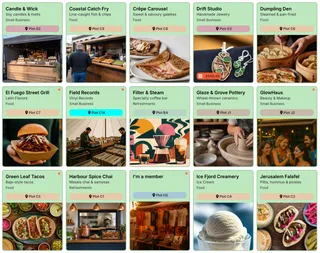
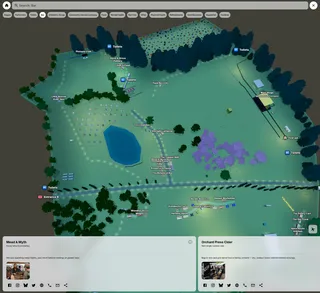
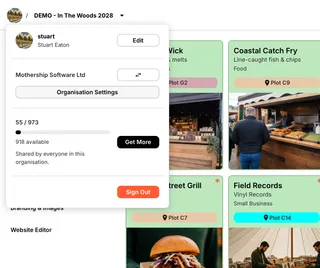
Organizations , Help , Quick start guide
Work as a team in Eventplot: organisations, shared credits for Event Licences, members, roles, and shared events.
Quick start guide , eventplot , Help
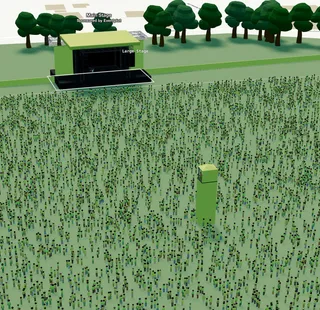
Get started with Eventplot: create an event, set your Event Licence, add content, build your Planning Map, schedule, website, and public map.
Browse guides and articles below to get the most out of Eventplot. If you can’t find what you need, we’re happy to help — reach out and we’ll get back to you.
Help , Settings , Organizations
How Eventplot credits and Event Licences work — wallets, starter credits, upgrades, and buying packs. No subscriptions.
Help , Planning map , Linear Duplicate
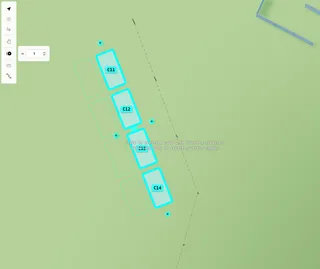
Turn on Linear duplicate, set the gap, then click a + for one copy or drag a + to keep creating copies in a line.
Help , Planning map , Measure Path
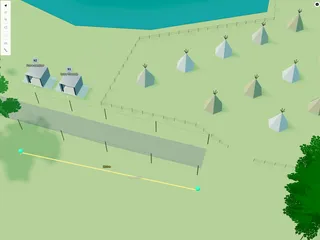
Use the Measure tool on the Planning Map to check distances in metres — segment by segment, with a total length in the sidebar.
Help , Planning map , Barrier Line
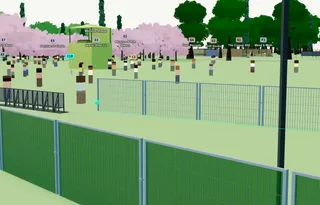
Draw modular barrier runs on the Planning Map — choose barrier type, height, and module width, with quantities as you plan.
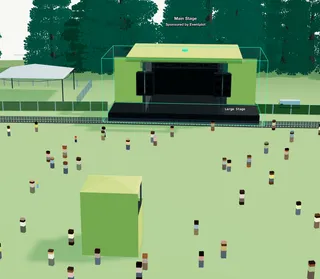
Help , Planning map , Object , Facilities
Adjust width, depth, height, colour, walls, and other options on parametric tents, bars, kiosks, and site infrastructure.
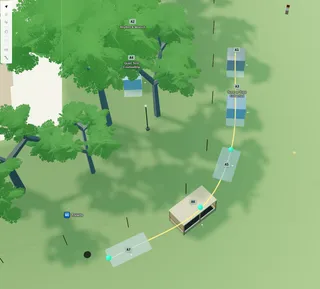
Help , Planning map , Alignment Path
Draw an alignment path on the Planning Map to snap, space, and face plots, stages, and other items along a market row or curve.
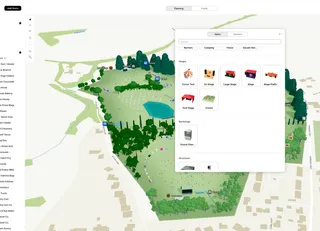
Help , Planning map , Decoration
Place benches, bins, rocks, plants, vehicles, food icons and other props on your festival site plan.
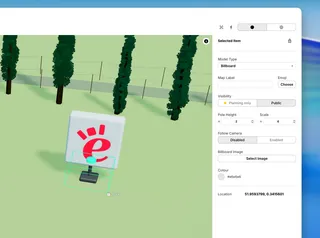
Help , Planning map , Billboard
Place sponsor boards and wayfinding signs — image, scale, and camera-facing options.
Help , Planning map , String Lights
Plan festoon lighting along paths and market rows — draw a run and set pole height.