Map props, furniture and site dressing for event layouts
Place benches, bins, rocks, plants, vehicles, food icons and other props on your festival site plan.

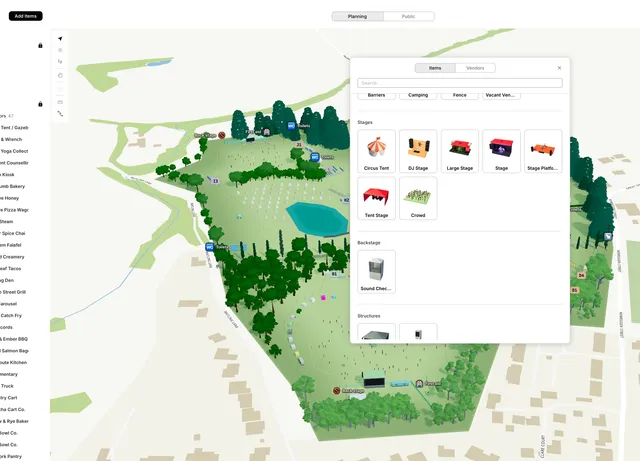
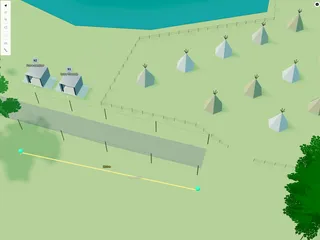
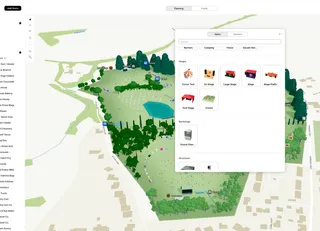
Decoration models flesh out a site plan — seating, bins, rocks, plants, vehicles, food icons, and other props from the 'Add Items' button in the event planning map.
You cam click to them to add to your map or simply just drag and drop them!
Where to find them
- Furniture — benches, picnic tables, bins, menu signs
- Infrastructure — portaloos
- Vehicles — ambulance, police, fire engine, mini bus
- Fauna — individual trees and plants
- Rocks — boulders and formations
- Food — food-stall icons
Click an item in the library, then click the map to place it.
Settings
With one object selected (not multi-select):
- Width, Depth, Height — metres
- Scale — overall size (%)
Move and duplicate
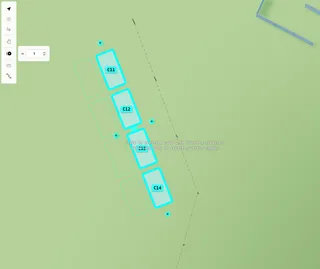
Drag to move · Alt+drag to rotate · Alt+click to multi-select · Alt+C/V to copy
Lock objects from the map toolbar to avoid accidental edits.
Vendor stalls with walls (pop-up tent, bar, kiosk, shipping container) and stage models have separate help articles.