Barrier lines for crowd control on your event map
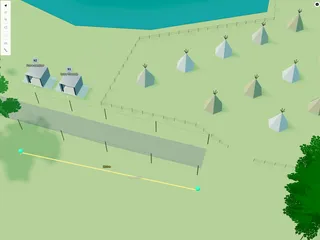
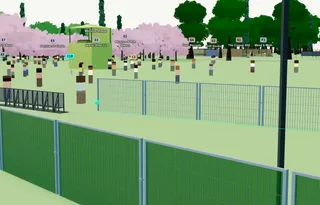
Draw modular barrier runs on the Planning Map — choose barrier type, height, and module width, with quantities as you plan.

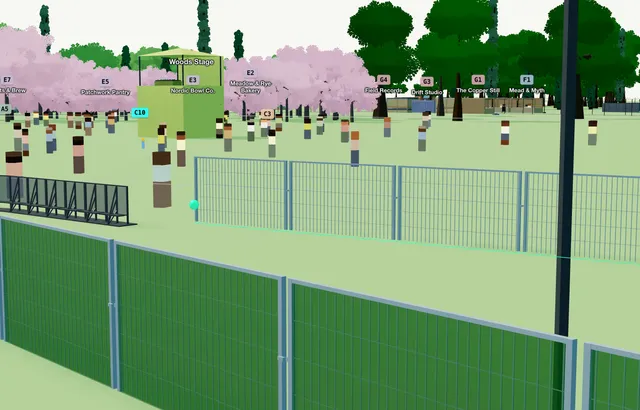
Use Barriers for crowd-control runs on the Planning Map — Heras panels, crowd barriers, and similar modular fencing along a line. Length snaps to whole modules so quantities stay procurement-accurate.
For a simple post-and-panel perimeter, use Fence. For planting along a line, use Hedge or Tree Line.
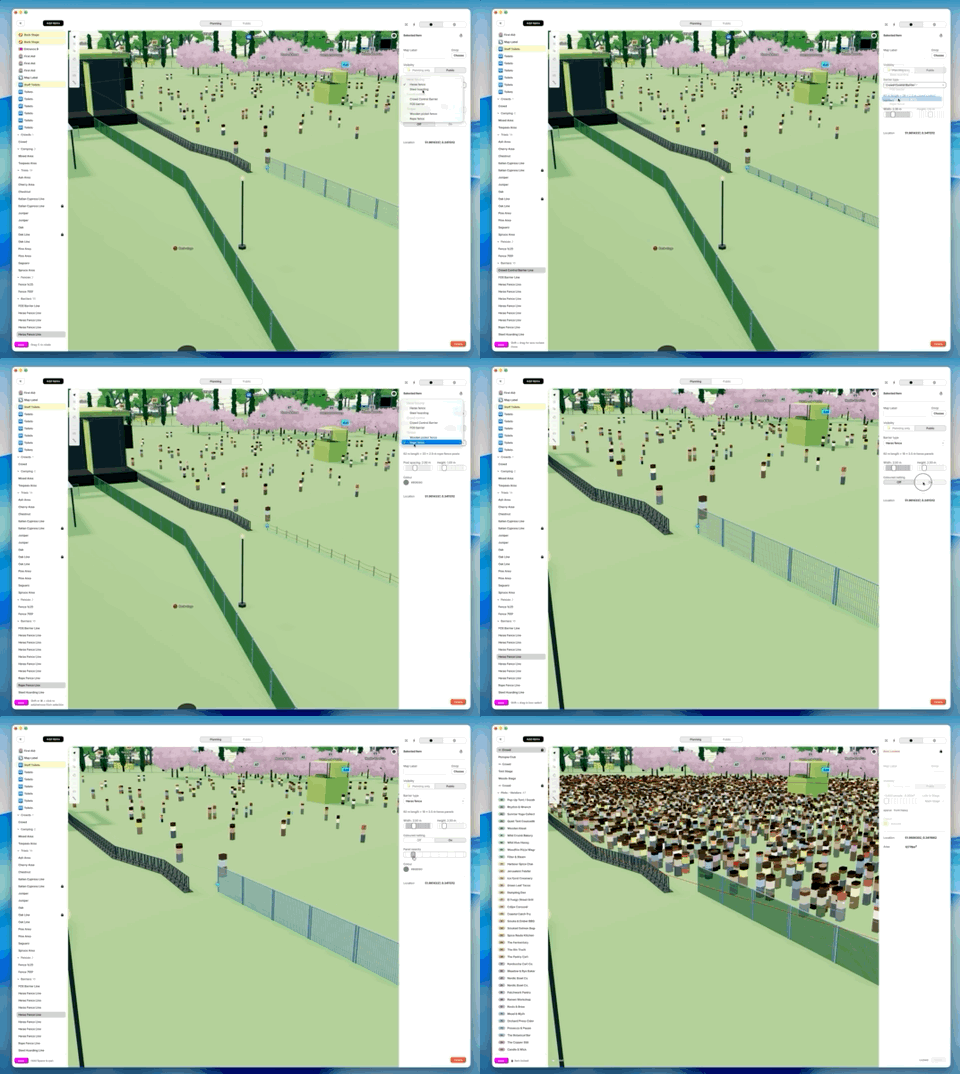
1. Add a barrier line
On the Planning Map, open the Asset Library. Under Site, choose Barriers.
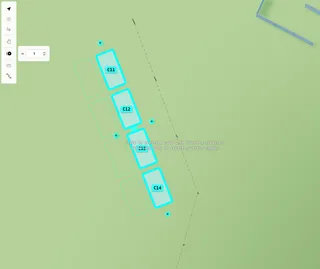
Click points along the run. When you have at least two points, click near the last point to finish.
While drawing: Space+drag to pan, ⌘/Ctrl+Z to undo, Esc to cancel.
2. Adjust settings
With the barrier selected:
- Barrier type — choose the module style from the list
- Bay / module width and Height — metres (labels depend on the type)
- Coloured netting — where supported (e.g. Heras); uses the accent colour on the netting
- Panel opacity — where supported
A short quantities summary appears under the type (modules, posts, and length) so you can check the run.
3. Edit later
Double-click to edit points. Drag to move. Alt+drag to rotate. Alt+C/V to copy.