Parametric models on your event map
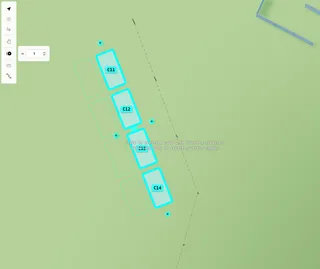
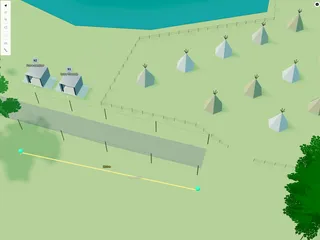
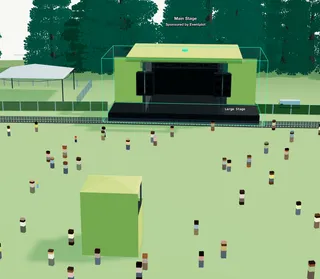
Adjust width, depth, height, colour, walls, and other options on parametric tents, bars, kiosks, and site infrastructure.

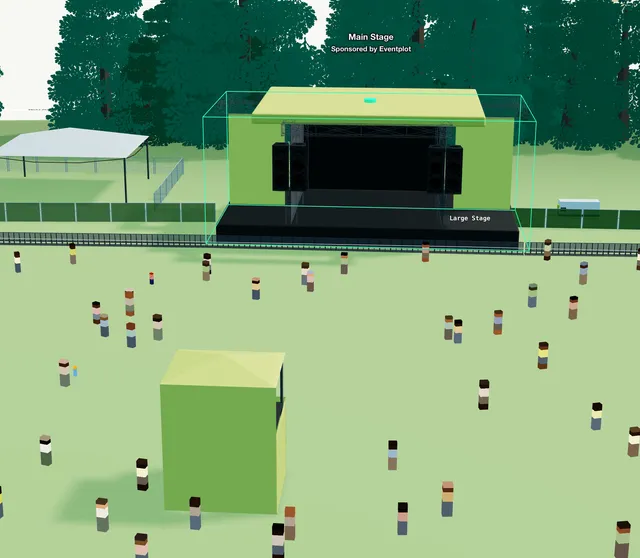
Parametric models are adjustable 3D objects on the Planning Map — tents, bars, kiosks, containers, portaloos, generators, and similar site kit. The options available depend on the model you select.
Plots, vendors, stages, labels, and decorations have their own help articles when those are selected.
1. Place a model
Open Add Item (or the Asset Library) and pick a structure or infrastructure item. Click the map to place it, or drag it into position.
2. Size
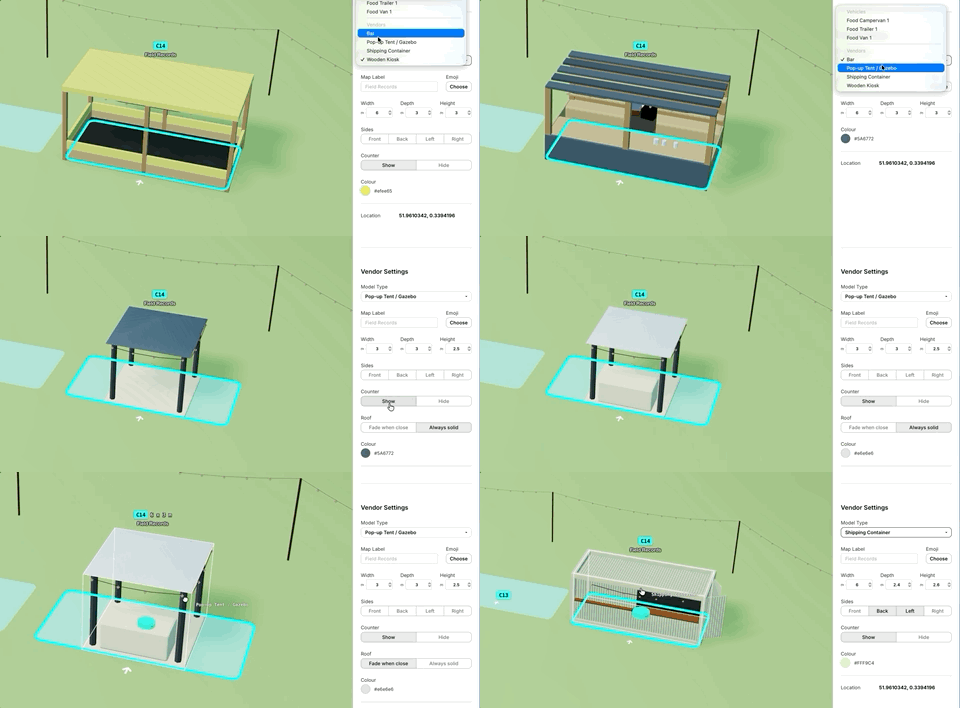
With the object selected, use Width, Depth, and Height (metres) in the sidebar. Limits depend on the model. Size edits apply to one selected object at a time.
3. Appearance and extras
Depending on the model, you may also see:
- Colour — accent or body colour
- Sides — show or hide Front, Back, Left, and Right walls (tents, kiosks, containers, towers)
- Counter, Speakers, or Built-in stage — show or hide where available
- Roof — Fade when close or Always solid on tents
- Units / Bins and spacing — for rows such as portaloos or bins
Not every control appears on every model.
4. Move and copy
Drag to move. Alt+drag to rotate. Alt+click to multi-select. Alt+C / V to copy.
Lock objects from the map toolbar to avoid accidental edits.