Add trees and woodland to your festival site plan
Draw wooded areas on your event layout — tree type, scale, and density for festival and outdoor site plans.

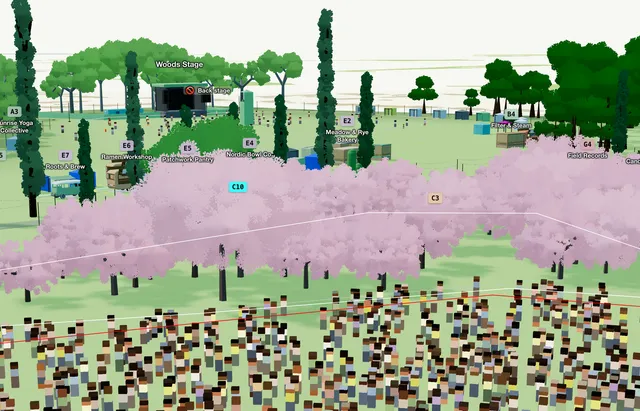
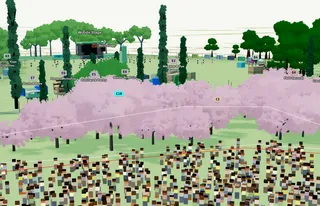
Trees show existing woodland, shade belts, or planted areas on a festival or outdoor event site plan. Draw a Trees zone and Eventplot fills it with procedural trees.
For single trees, use Asset Library → Fauna instead of the area tool.
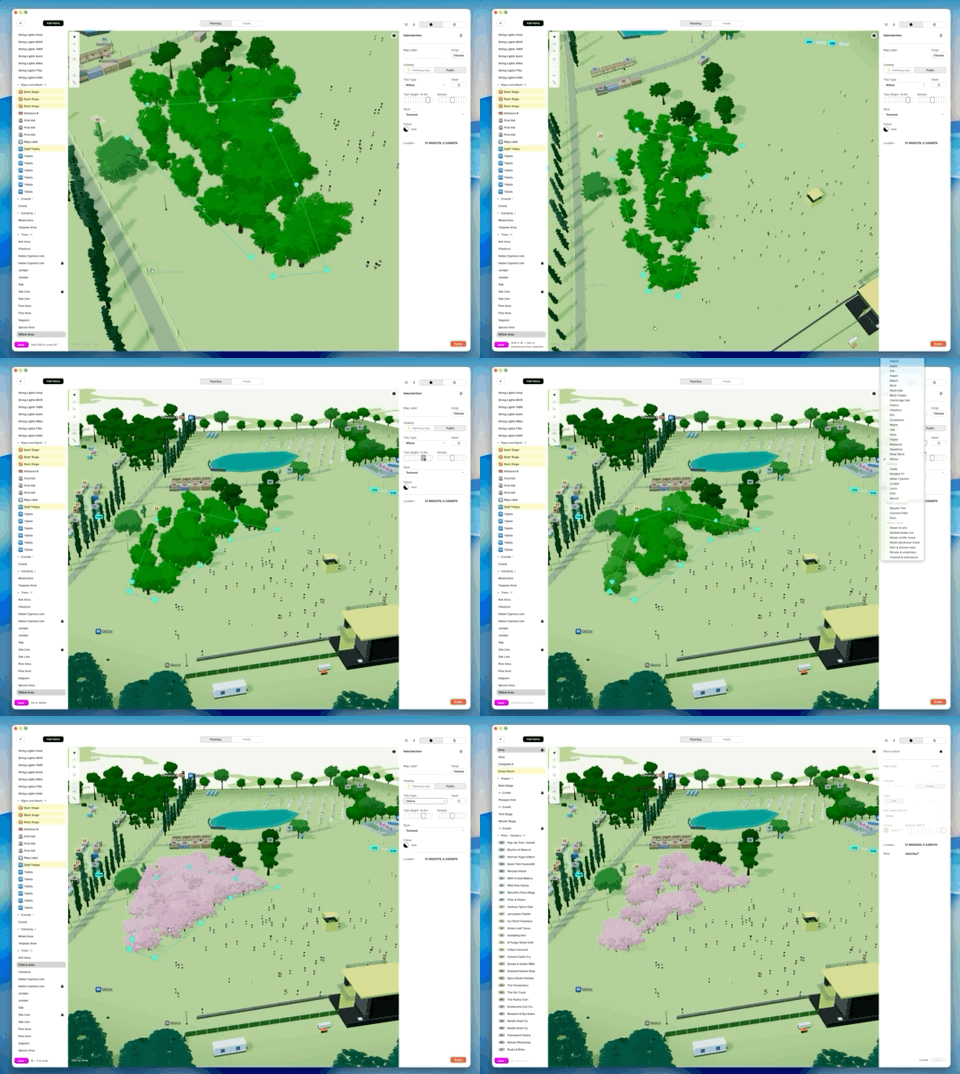
1. Add a tree area
On the Planning Map, open the Asset Library. Under Site, choose Trees.
Click on the map to place each corner. While drawing:
- Click to add a point
- Space and drag to pan
- Ctrl+Z (Mac: ⌘+Z) to undo the last point
- Esc to cancel
- Click the first point again to close the shape
2. Adjust settings
With the shape selected:
- Tree Type — pick from the list
- Tree Scale — resize trees in the zone
- Density — how thick the tree cover is
3. Edit later
Double-click to edit points. Drag pink handles or drag the whole shape to move it.