Lamp posts and site lighting on the planning map
Place lamp posts on your festival site plan — height, intensity, and planning vs public display.

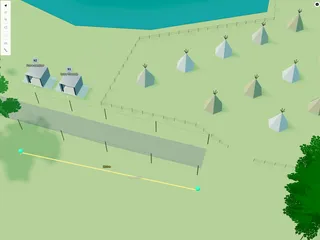
Lamp posts mark fixed lighting on a festival or outdoor event site — paths, car parks, and public areas.
1. Place a lamp post
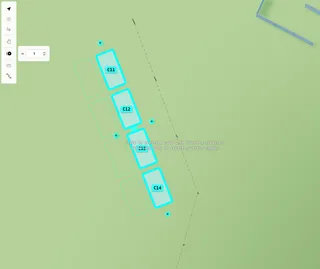
Open the Asset Library. Under Lighting, choose Lamp Post, then click on the map.
2. Settings
- Height — post height (m)
- Intensity — brightness at night
- Show — Lamp post (full post visible) or Light only (glow without the post on the public map)
Lights are most visible when the map is set to night mode in scene settings.