Map labels and facility markers for wayfinding
Pin labels, emojis, and facility markers on your event map for planners and visitors.

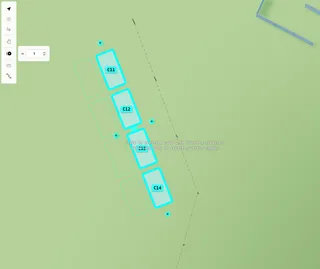
Map labels mark points of interest on a festival site plan — entrances, meeting points, toilets, first aid, or custom names.
1. Add a map label
Open the Asset Library. Under Signs and labels, choose Map Label, then click on the map.
2. Label text and emoji
With the label selected, in the settings panel under Appearance:
- Map Label — text shown on the map
- Emoji — click Choose to pick an emoji or safety icon
3. Label settings
- Type — Normal (general label) or Facility (toilet, first aid, etc. styling on the public map)
- Size — small / medium / large
- Height — how high the label floats above the ground
Drag to move. Alt+drag to rotate. Alt+C/V to copy.