Help
Map props, furniture and site dressing for event layouts
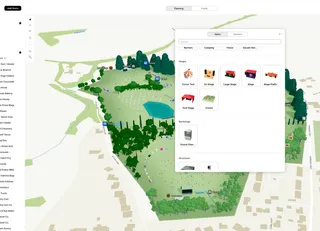
Place benches, bins, rocks, plants, vehicles, food icons and other props on your festival site plan.
Planning your event map in Eventplot is designed to be fast, visual and flexible. Start with the basics of your site layout, then build up stages, vendors, paths and the attendee experience — all in one connected system. As you plan, you are also creating the Public Map at the same time. 1. Draw the site 2. Drag on plots & vendors 3. Add the rest
Place benches, bins, rocks, plants, vehicles, food icons and other props on your festival site plan.
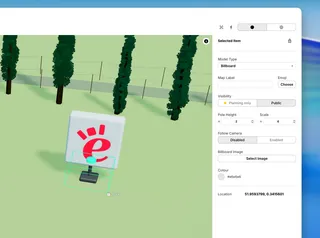
Place sponsor boards and wayfinding signs — image, scale, and camera-facing options.
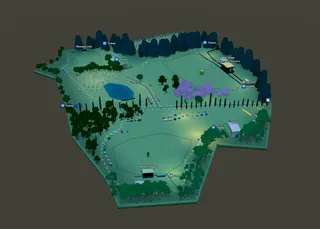
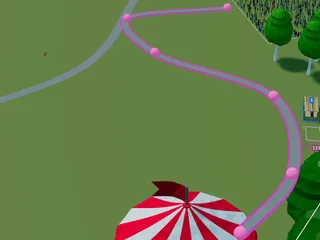
Plan festoon lighting along paths and market rows — draw a run and set pole height.
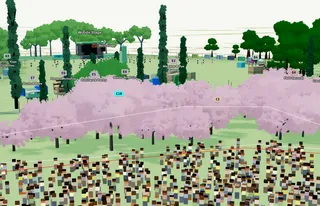
Draw wooded areas on your event layout — tree type, scale, and density for festival and outdoor site plans.
Pin labels, emojis, and facility markers on your event map for planners and visitors.
Place lamp posts on your festival site plan — height, intensity, and planning vs public display.
Add vendors to your event, then place them on the Planning Map by dragging or clicking from Add Item — or lay out empty plots first.