
Festival vendor management software: keep traders, plots and the public map in one system
Stop juggling forms, folders and website updates. Eventplot festival vendor management: shared apply link, accept/reject, custom questions, plot placement, draft until publish — website and visitor map stay in sync.


Festival vendor management software should hold applications, trader profiles, plot placements and what the public sees — in one place. Most teams still chain email, PDFs, shared drives and a separate website CMS. That is the pain People in the Park described before Eventplot: endless copy-paste and a brittle chain where one mistake breaks the next step (their case study).
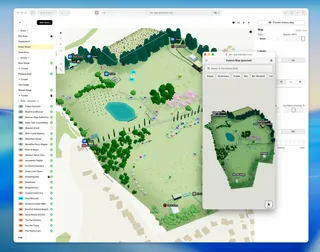
Eventplot is outdoor event and festival planning software where vendors, the planning map, the visitor map and the event website share the same data. Official how-to: Managing vendors.

Key takeaways
- Invite vendors by email or share an application URL so traders apply themselves.
- Configure custom questions, categories, required fields and terms before you open applications.
- Review new signups in Inbox — Accept or Reject.
- Assign plots on the map (with swap if a pitch is taken); keep vendors Private until you are ready to Publish.
- Published vendors appear on the public map and website — no separate manual website database update.
The real pain: multi-step vendor admin
Industry guides for food festivals still assume heavy organiser-side admin: collecting insurance, menus, pitch sizes and images, then placing traders on a site plan (Tickts guide to running a local food festival; trader application packs such as St Fagans Food Festival 2025 trader guidance show how much detail events collect).
Street-food organisers also warn that last-minute lineup changes and poor information sharing damage trust with vendors (Indi Local tips for street food events).
When that workflow lives in email threads, every change means chasing someone to update the website or reprint the map.

Invite vendors or share an apply link
On the Vendors page you can:
- Click + to create a vendor profile yourself
- Use Invite Vendors to email signup links or share the application URL
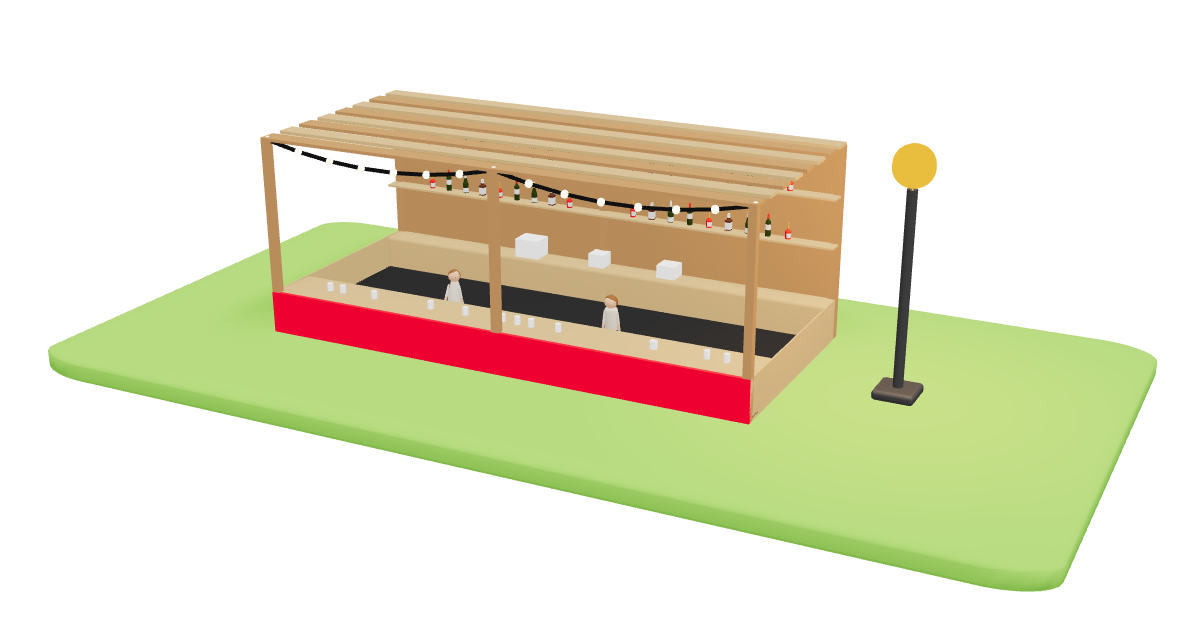
Before you open applications, use the settings menu for Categories, Custom Questions, Required Fields, Terms and Invoicing — so every applicant answers what you need once (Managing vendors).
Accept, reject and customise the application
New signups land in Inbox under Vendors. Review each application and Accept or Reject.
Custom questions let you ask for pitch size, power needs, insurance references, cuisine type — whatever your event requires — instead of a separate form tool.
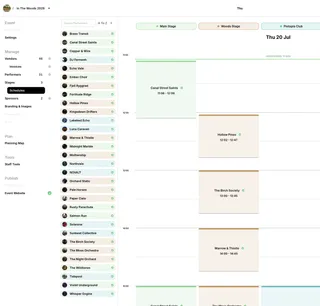
The Eventplot FAQ notes that organisers can invite vendors so they can upload images and manage public-facing information, while organisers stay in control of what goes live (FAQ — vendors & performers).

Plots on the map: place, move, swap, keep draft
Each vendor needs a plot to appear on the Planning Map and Public Map.
- From the vendor profile, use Plot in the Site section — or drop a vendor onto a plot on the Planning Map
- If a plot is already taken, Eventplot offers to swap vendors
- Switch Private / Published at the bottom of the profile — unpublished vendors stay internal until you publish
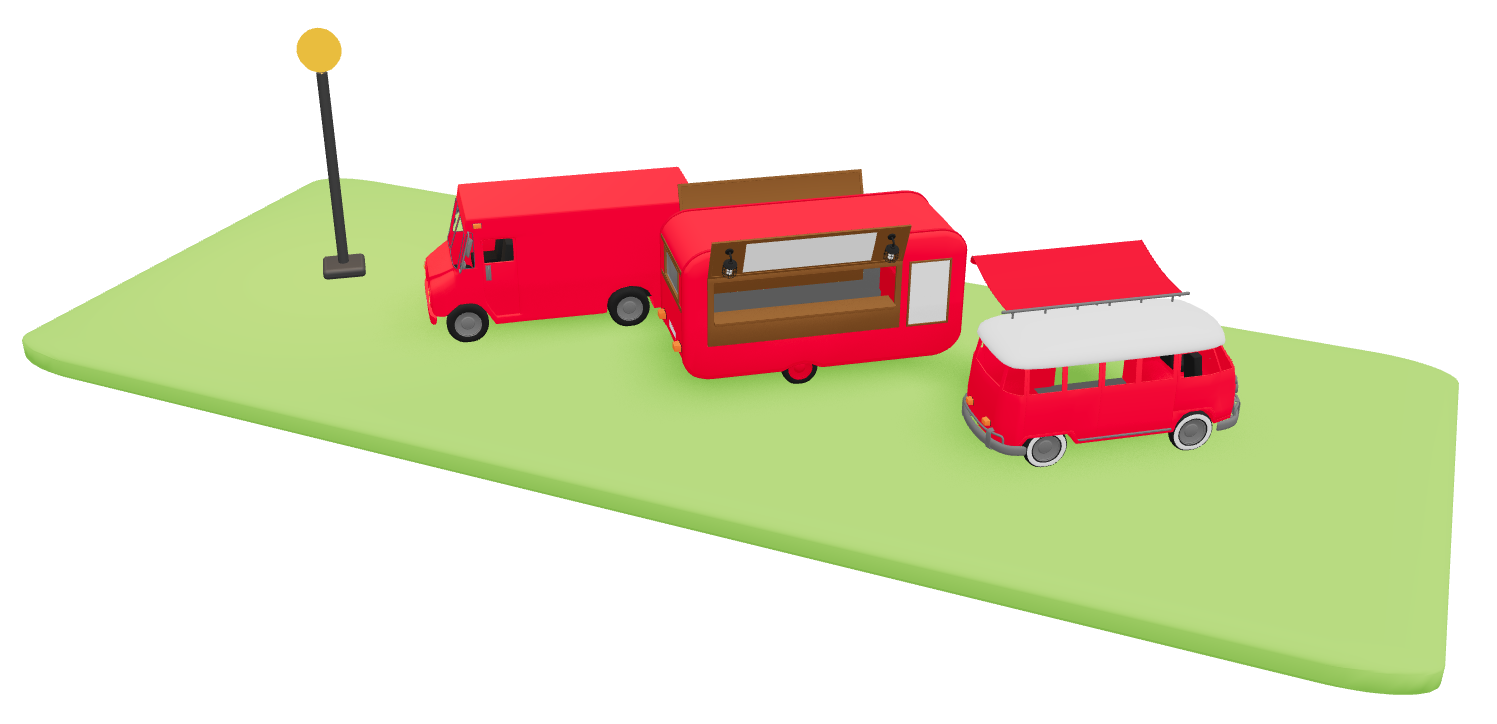
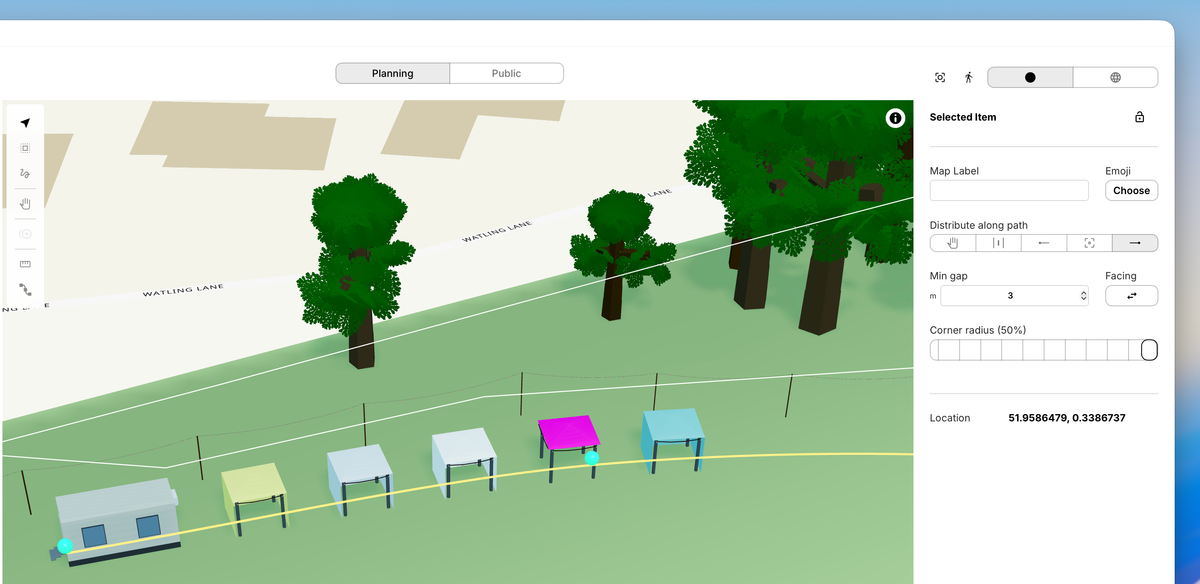
That means you can rearrange the site as planning changes without republishing a PDF map for every tweak — and only go public when ready.
Visitor map and website stay connected
When a vendor is Published (and plotted), they can appear on the interactive visitor map and event website vendor listings. Unpublished stays off the public experience.
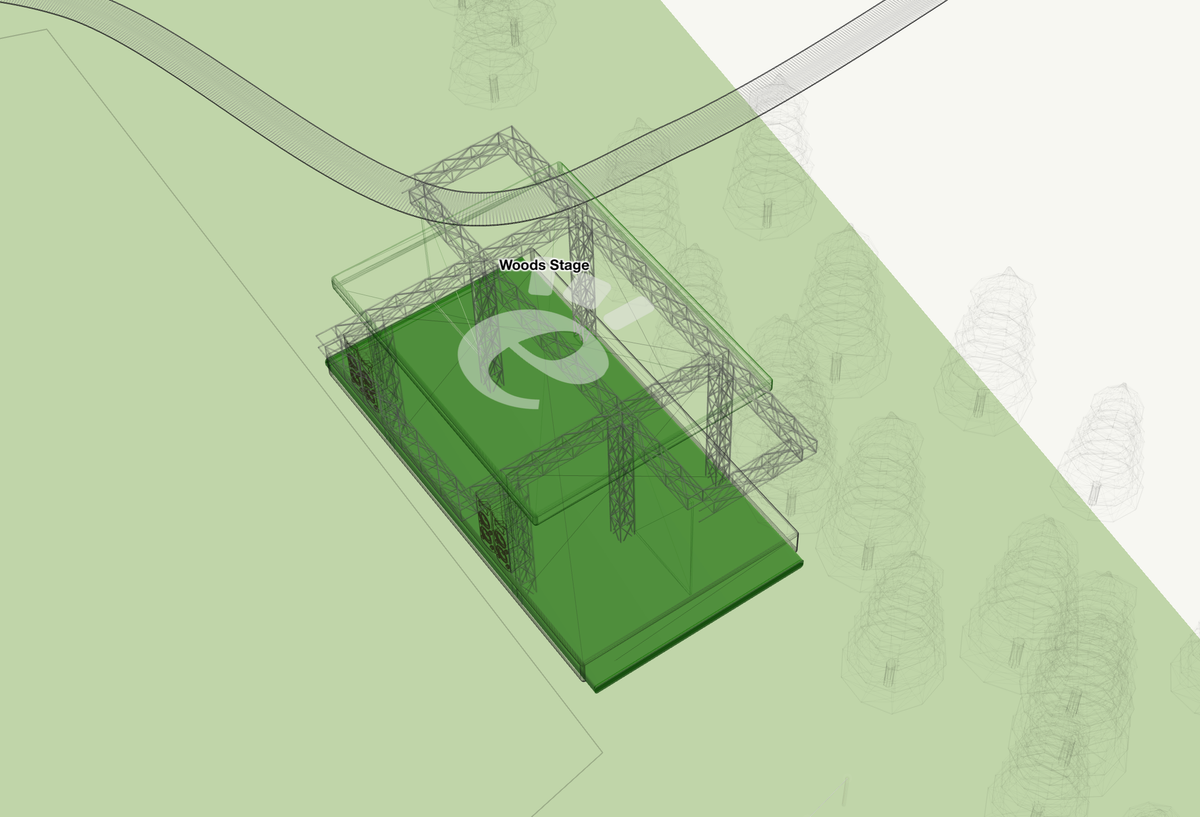
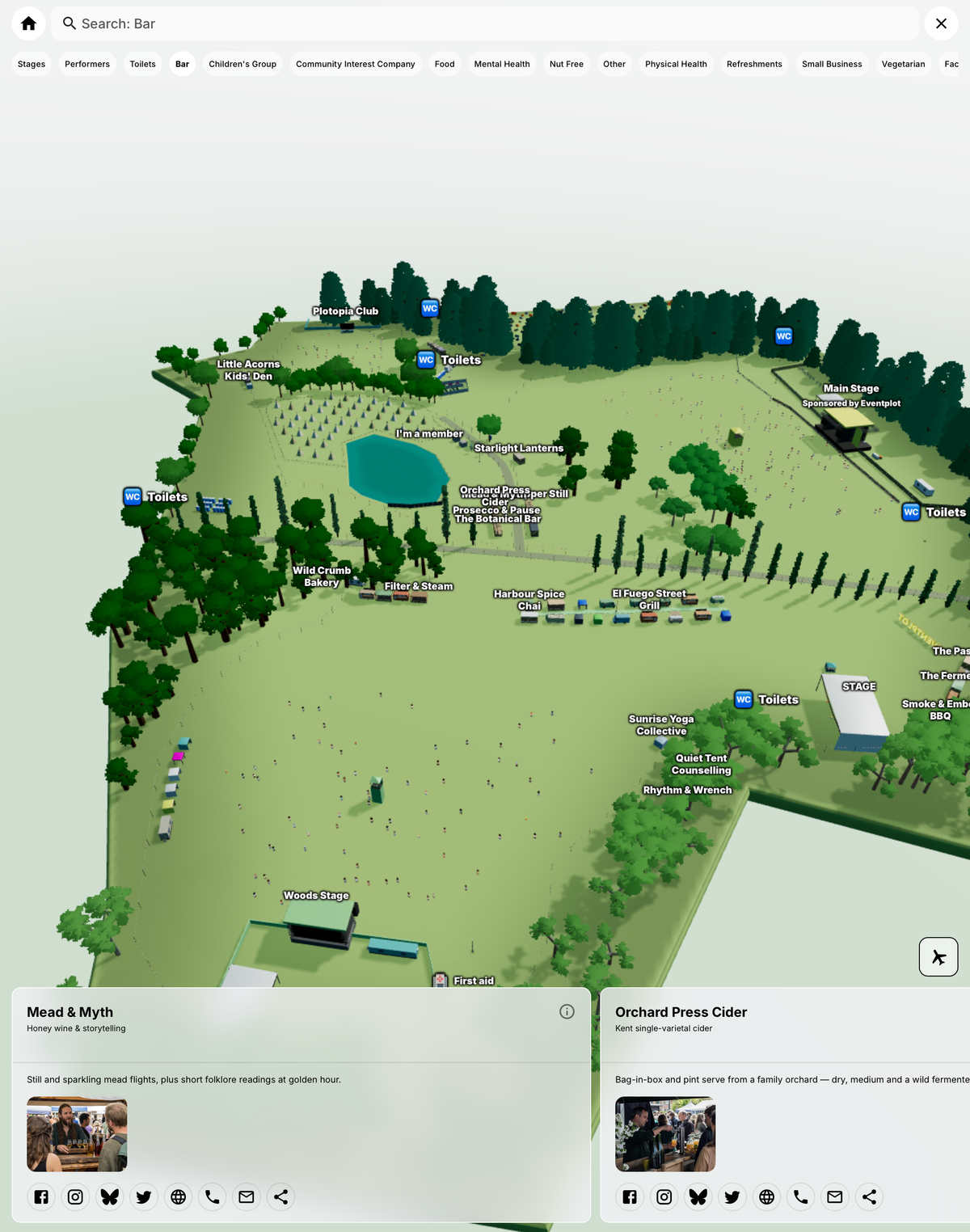
You do not need a separate “web person” to re-enter the same photos and blurbs. Change the profile or plot in Eventplot; publish when it should go live. See also static vs interactive festival site maps.
FAQ
Is Eventplot festival vendor management software or only a map?
Both — vendors, plots, public map and website share one workspace. Overview: Vendors & performers.
Can vendors update their own information?
Vendors can apply via your shared link and upload their own details and images. Organisers review applications and control publish. See FAQ and Managing vendors.
Do unpublished vendors show on the public map?
No. Keep them Private until you publish.
Related
- Managing vendors (help)
- Feature: vendors and performers
- Pricing — Event Licences (vendors count toward licence capacity)
- People in the Park case study
- Open Eventplot